FLEET WOLF / CONSTRUCTION + TRADES
Your trucks are tracked. Your tools should be too.
Roofers, electricians, plumbers, concrete crews, and general contractors lose time and money on gear that is somewhere other than where the job needs it. We tie the trucks, trailers, equipment, and high-value tools into one view, then build the apps your office actually uses.
01 / SMALL ASSET TRACKING
Track what isn’t a truck.
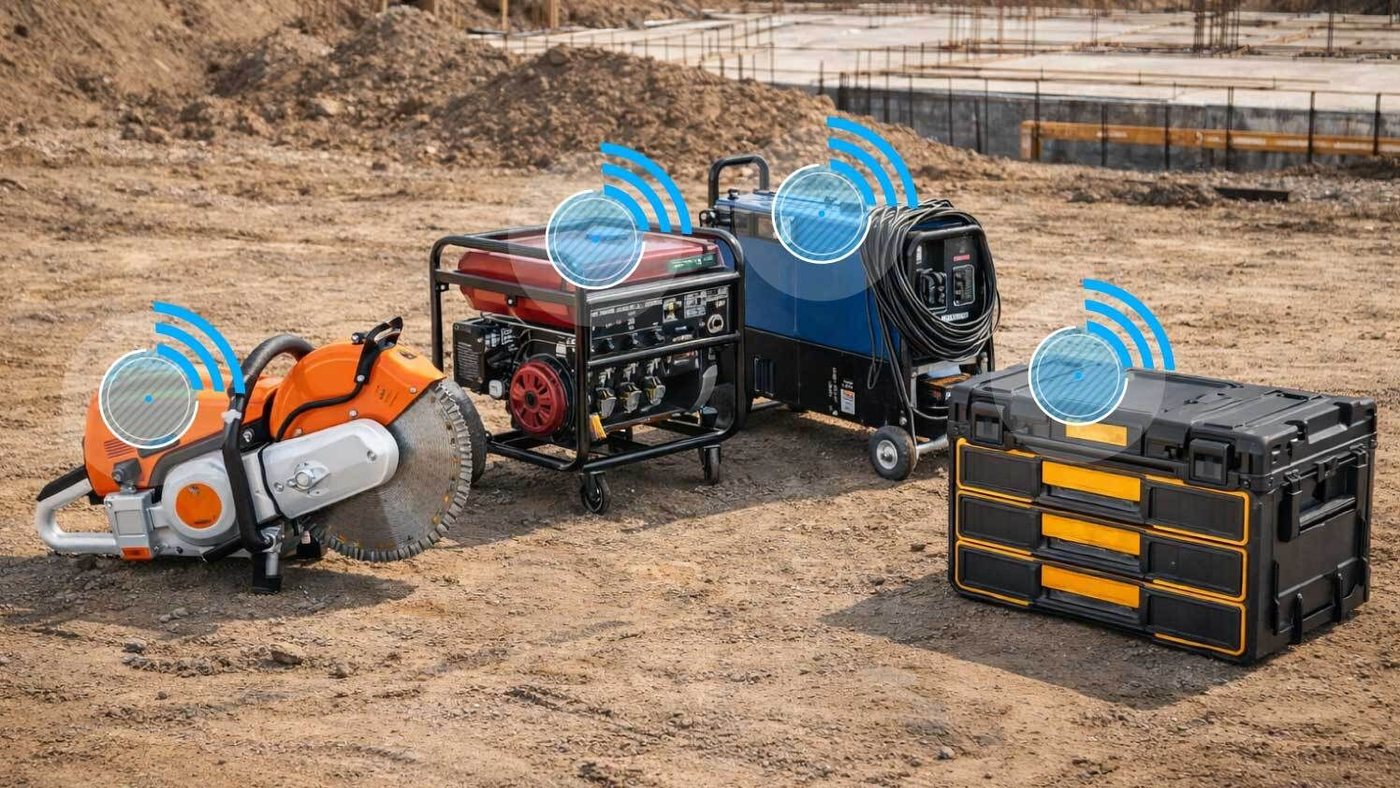
Trailers, generators, compressors, lifts, and skid steers do not have an ignition to read. Small asset trackers report location on their own, so you can see what is in the yard, what is on a jobsite, and what never came back.
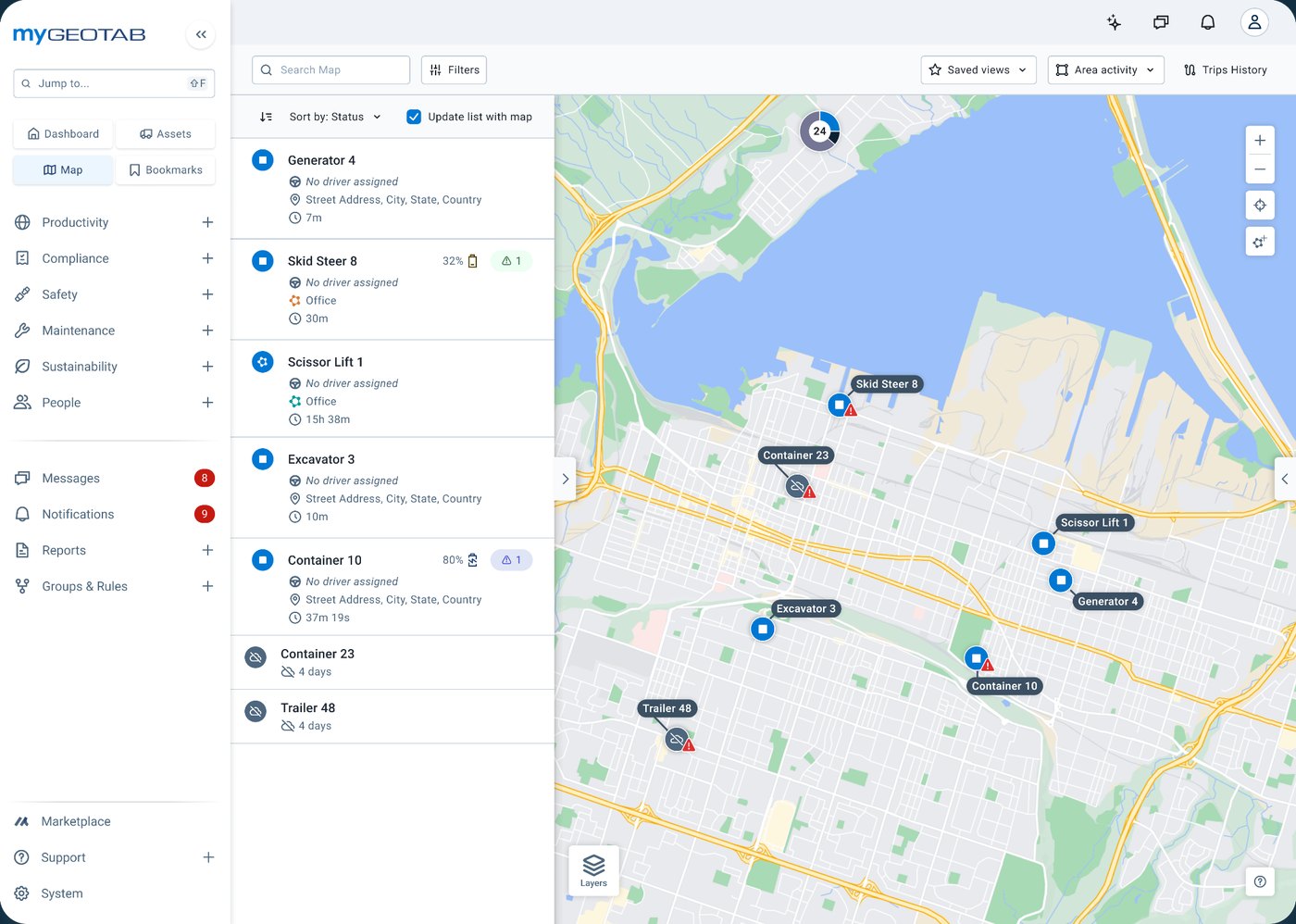
- Yard vs. jobsiteDraw a zone around each site and see what is inside it.
- Leave-behind alertsGet a flag when equipment stays on a site after the crew has left.
- Idle equipmentSee what has not moved in days before you rent a duplicate.
02 / MATRIX IQ TRACKERS
Small enough for the tools that walk off.
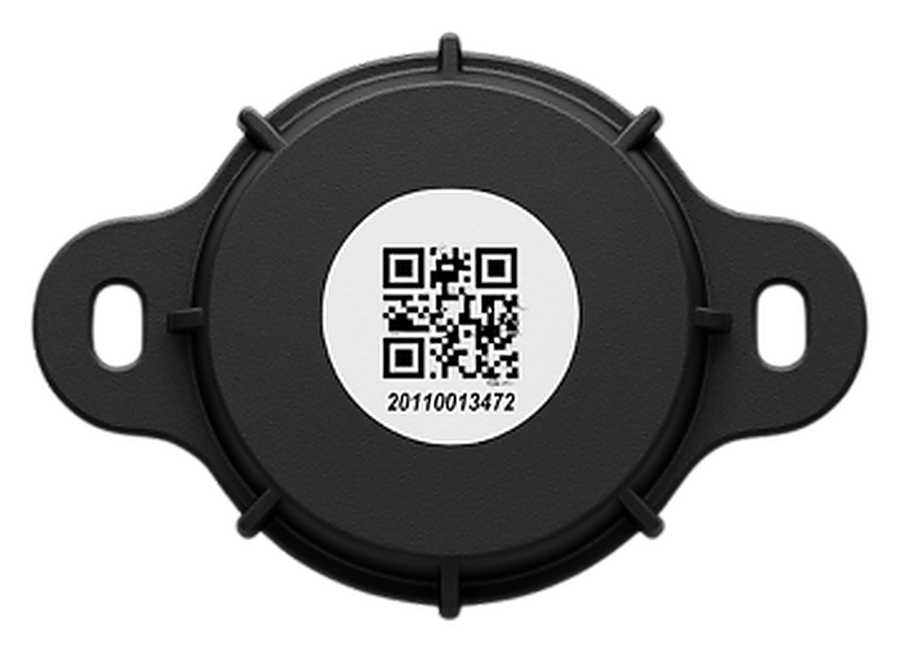
Matrix iQ trackers are compact, so they fit the high-value items that do not justify a full asset device: power tools, tool chests, and specialty equipment. They report into the same MyGeotab account as your vehicles, so there is no second system to check.
Matrix iQ is a third-party Geotab Marketplace partner product. Fleet Wolf selects, sets up, and supports it alongside your Geotab fleet.
03 / CUSTOM APPS FOR ANYTHING
If your crew works a certain way, the software should too.
Geotab gives you the data. We build the layer that makes it useful for a contractor: the screen, the report, or the handoff into the tools your office already runs. If you can describe it in a sentence, we can usually build it.
- Job arrival and departurePush time on site from GPS into your project or scheduling tool.
- Cost per stopSee what stops over 15 minutes really cost using your own pay rates.
- Tool check-outA simple screen for who has what, tied to the tracker.
- End-of-day listWhat is still on each job, sent before the crew goes home.
WHO IT’S FOR
Small to midsize trade crews.
Roofing and solar, electrical, plumbing, HVAC, concrete and paving, landscaping, restoration, and general contractors. Five trucks or fifty, we start with what actually goes missing on your jobs.
HOW WE START
Three steps. No long tour.
- Tell us what goes missing. Your fleet size and the one thing you are tired of chasing.
- We pick the right trackers. Vehicles, trailers, equipment, and tools, matched to what each one is worth.
- We build the view. Zones, alerts, and any custom app, set up so your office uses it on day one.